


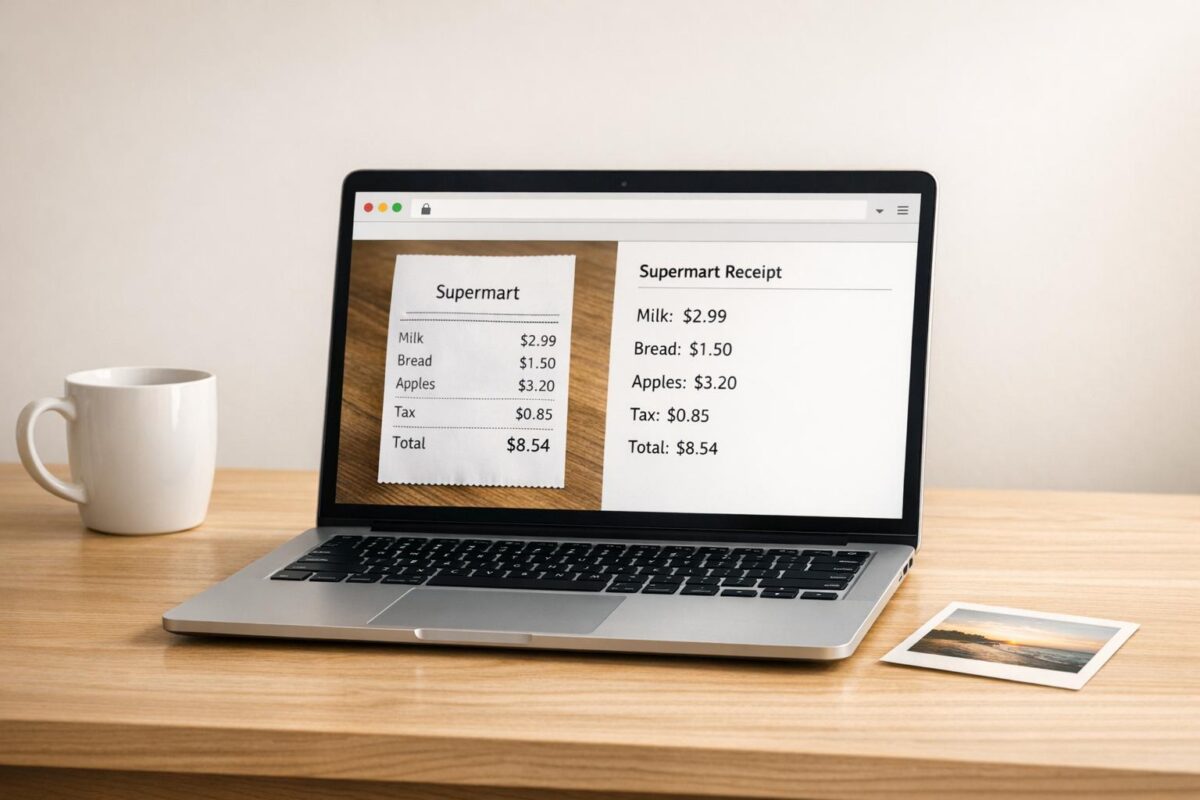
Fast, Secure OCR for Everyday Images
Turn pictures into editable text
An Image to Text Converter is one of those tools that saves time the moment you need it. Instead of retyping text from a screenshot, scanned receipt, document photo, or note, you can upload the image and pull the words out in seconds. It’s especially useful for students, office teams, researchers, and anyone working with visual documents.
Simple to use, easy to copy
This OCR-based tool supports JPG and PNG files up to 5MB, making it a practical fit for common image formats. Once the file is uploaded, the system scans the picture, detects readable characters, and places the extracted content into a plain text box. From there, you can review the output and copy it right away.
Built with privacy in mind
A good image to text converter should be more than convenient. It should also feel safe to use. This tool processes files securely and does not store uploads after extraction. If a file is too large, unsupported, or contains no readable content, you’ll get a clear message instead of a confusing result. For quick OCR online, it’s a clean, reliable option.
FAQs
What image files does this tool support?
The tool supports JPG and PNG files, which cover most screenshots, phone photos, and scanned image exports. There’s also a 5MB upload limit to keep processing fast and reliable. If you try to upload another format or a larger file, the tool will let you know right away.
What happens if no text is found in the image?
If the OCR engine can’t detect any readable text, the tool will show a message such as ‘No text found in this image.’ That can happen when an image is blurry, low contrast, heavily stylized, or simply doesn’t contain text. In many cases, using a sharper image with clearer lettering improves the result.
Are my uploaded images stored or shared?
No. The tool is designed to process your image securely for text extraction and not store uploaded files after the OCR task is complete. That makes it a practical option for users who want a straightforward way to extract text while keeping their files private.