


Ensure Your Site Welcomes Everyone with a Website Accessibility Checker
Creating a website that works for all users isn’t just a nice-to-have—it’s essential in today’s digital landscape. Accessibility ensures that people with disabilities can navigate, understand, and interact with your content, and it often boosts your SEO rankings as a bonus. Tools designed to evaluate web accessibility can spotlight issues you might not even realize exist, from poor color contrast to navigation hurdles for screen reader users.
Why Accessibility Matters
Imagine a potential customer or reader being unable to access your site because of a simple oversight, like missing image descriptions. Studies show that accessible websites not only reach a wider audience but also build trust and loyalty. By using a web accessibility audit tool, you’re taking a proactive step to make your online presence inclusive. It’s about breaking down barriers and meeting standards like WCAG 2.1, which guide best practices for digital inclusivity.
Take Action Today
Don’t wait for complaints or penalties to address these gaps. A quick scan with the right utility can reveal actionable insights, helping you create a space where everyone feels welcome. Start prioritizing user experience now, and watch how it transforms engagement on your platform.
FAQs
What does this accessibility checker look for on my website?
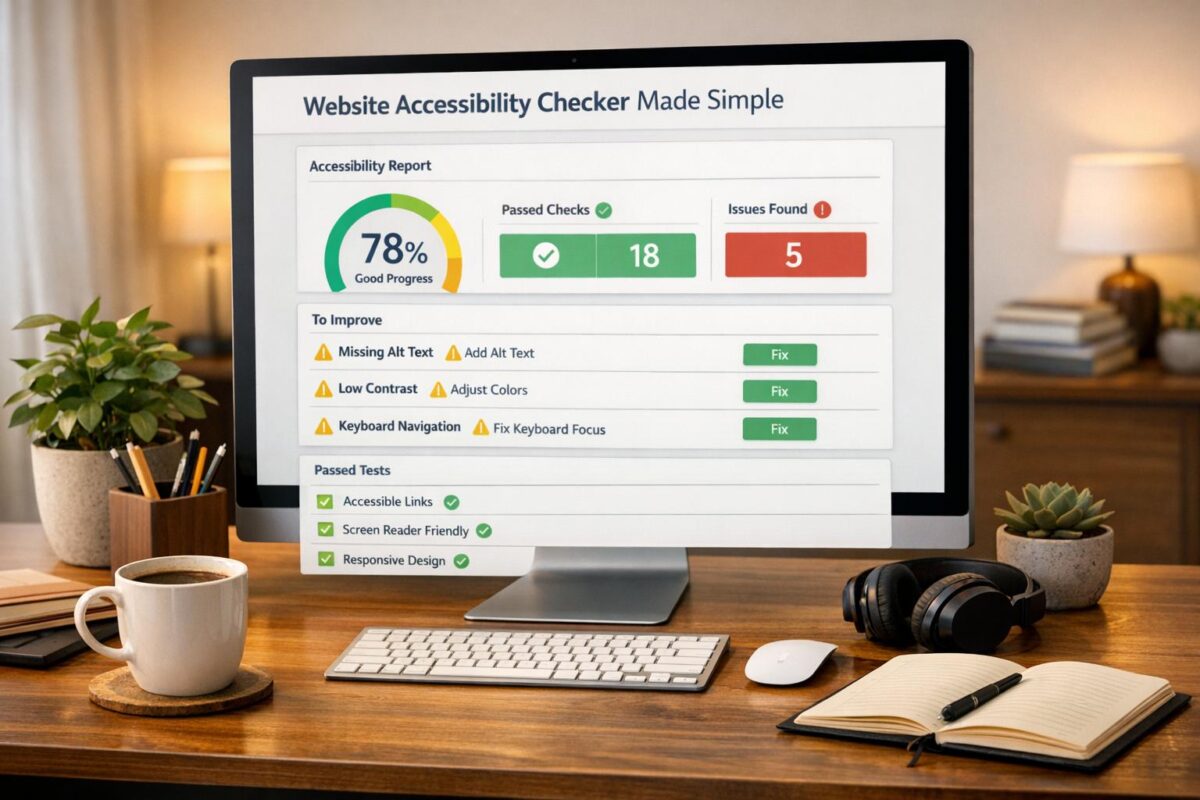
Our tool evaluates your site against WCAG 2.1 guidelines, which are the gold standard for web accessibility. It checks for things like missing alt text on images, improper heading structures that confuse screen readers, insufficient color contrast for visually impaired users, and whether your site can be navigated using a keyboard. Basically, we’re looking for barriers that might prevent someone from using your site fully, and we’ll point out where those are.
Is this tool enough to ensure full WCAG compliance?
While our checker catches a lot of common issues, automated tools can’t catch everything. Things like the context of alt text or the overall user experience for assistive tech often need a human touch. Think of this as a fantastic starting point—it’ll highlight major problems and give you a roadmap, but for full compliance, especially if you’re aiming for legal standards like ADA, you might want to pair this with manual testing or an expert review.
What if my website URL doesn’t work with the tool?
If you’re getting an error, it could be a typo in the URL, or the site might be blocking automated scans due to security settings. Double-check the address first—make sure it starts with http:// or https://. If it’s still not working, try a different browser or disable any VPNs or firewalls temporarily. Some hosting providers also restrict bots, so you might need to whitelist our tool or reach out to your web admin for help.